I have this mp3, now what?
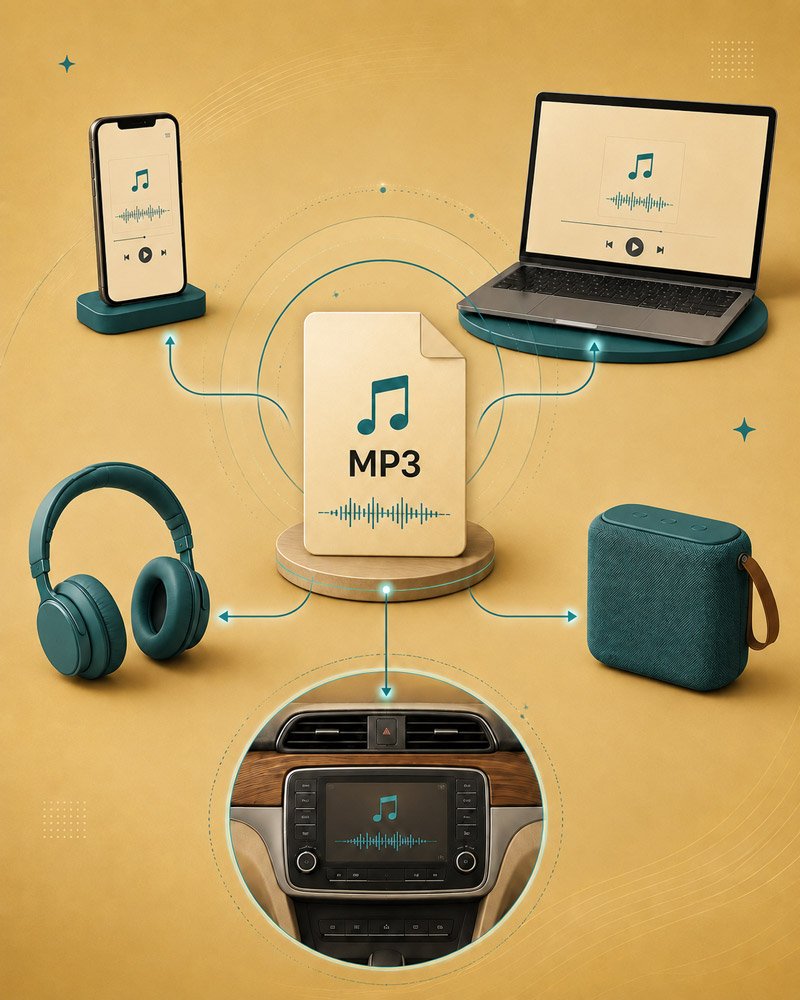
Your My Hype Song is delivered as an MP3 file. That means you can download it, save it, and play it from your phone, computer, car, speaker, or music library.
The easiest option is to download the MP3 and play it directly from your device. If you want to add it to Spotify, Apple Music, iTunes, or another app, choose your device below and use one of the suggested YouTube searches.
Because app layouts change often, searching your device and music app is usually the quickest way to find an up-to-date tutorial.
Quick note: Adding your MP3 to a music app like Spotify, Apple Music, or another player does not publish it publicly. It simply lets you play the file privately from your own device or personal music library and add it to playlists. The song will only be available on devices where the MP3 has been saved or synced.
Start by downloading the MP3 from your delivery folder. You can usually save it to the Files app, play it from Drive, or move it into a music app.
IPHONE / IPAD
Helpful YouTube searches:
how to save MP3 to Files app iPhone
how to add local files to Spotify iPhone
how to add MP3 to Apple Music iPhone
how to add MP3 to iPhone from Mac
how to add MP3 to iPhone from Windows
Start by downloading the MP3 from your delivery folder. On Android, you can usually play it from Downloads, Google Drive, or a music player app.
ANDROID
Helpful YouTube searches:
how to download MP3 from Google Drive Android
how to play MP3 files on Android
how to add local files to Spotify Android
how to add MP3 to YouTube Music Android
how to move MP3 to Android music folder
COMPUTER / LAPTOP
If you are on a Mac or Windows computer, download the MP3 first. From there, you can play it directly, add it to Spotify local files, or import it into Apple Music or iTunes.
Helpful YouTube searches:
how to add local files to Spotify Mac
how to add local files to Spotify Windows
how to add MP3 to Apple Music on Mac
how to add MP3 to iTunes Windows
how to transfer MP3 to iPhone from computer